 mozgi
Halloween prompt collection
233 Halloween prompts: spooky portraits, costumes and makeup, avatars, posters, decor and short videos. Each one shows the result and the model it was made with.
Open in catalog with filtersHow it works
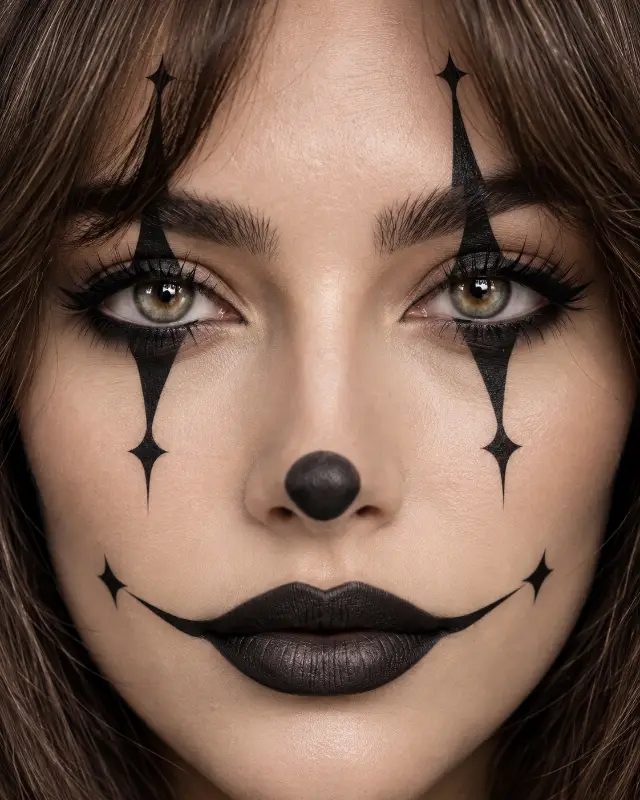 Macro, portrait, photo
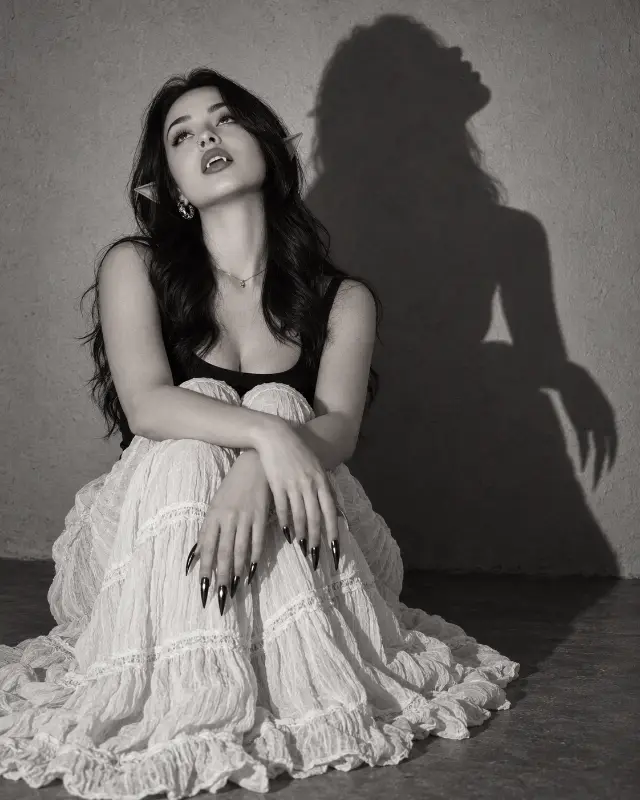 Photo, portrait, monochrome
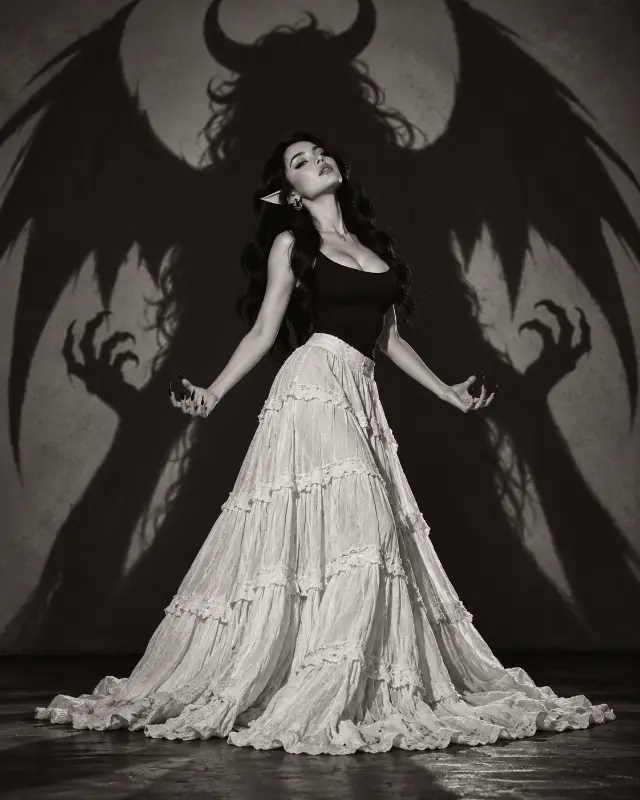 Fashion, studio, monochrome
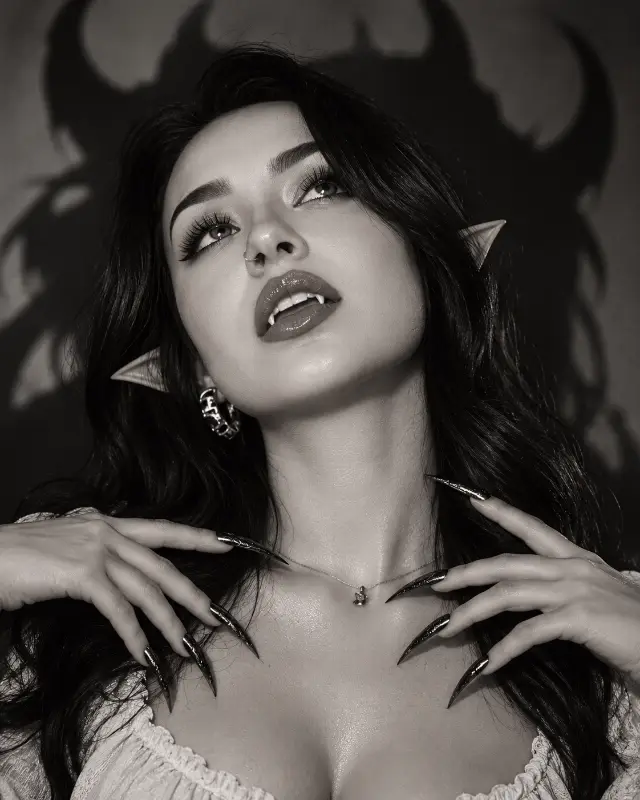 Portrait, close-up, monochrome
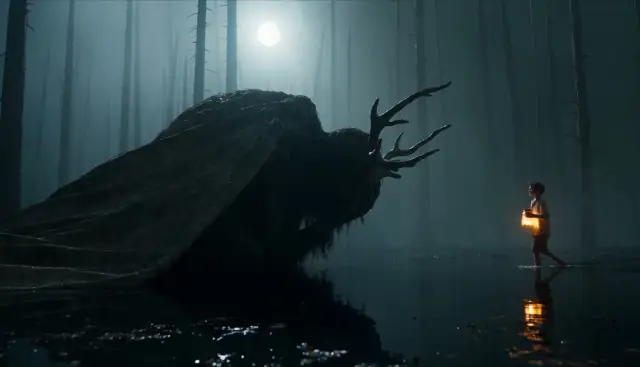 Fantasy, cinematic, night
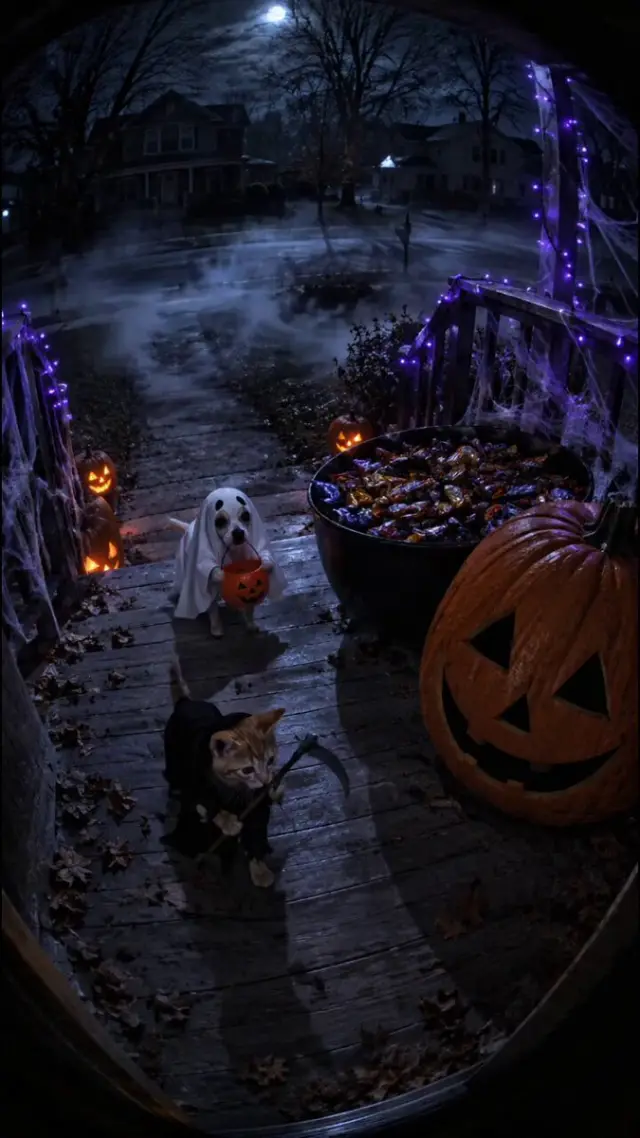 Horrors, cinema, vertical
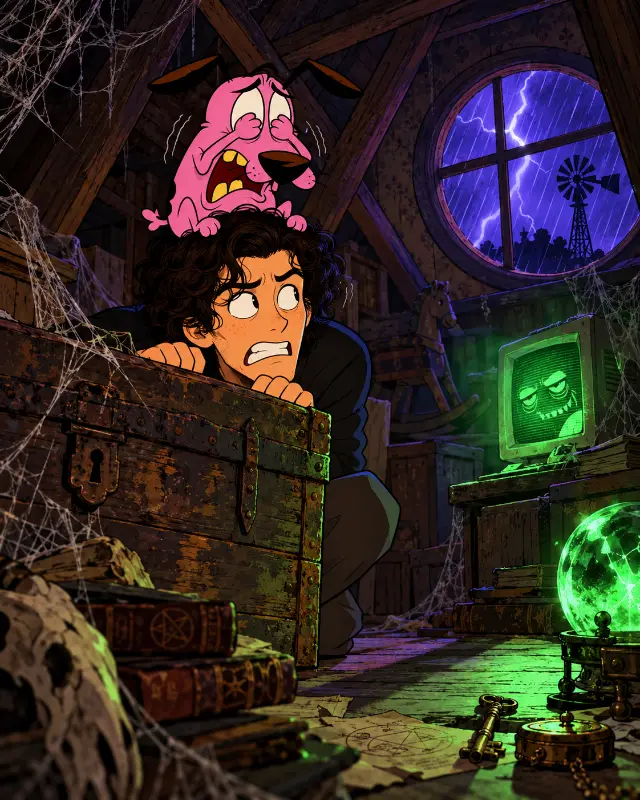 2d, cinema, horrors
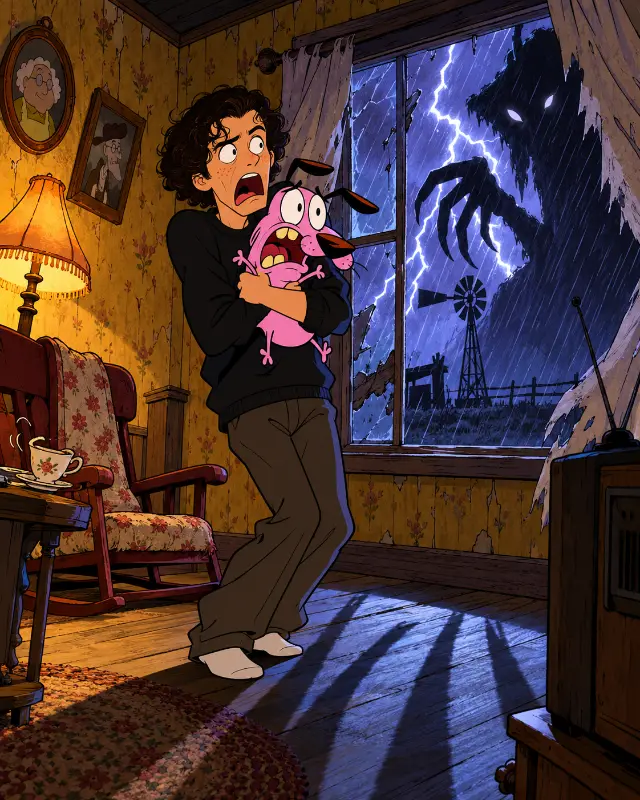 2d, action, horrors
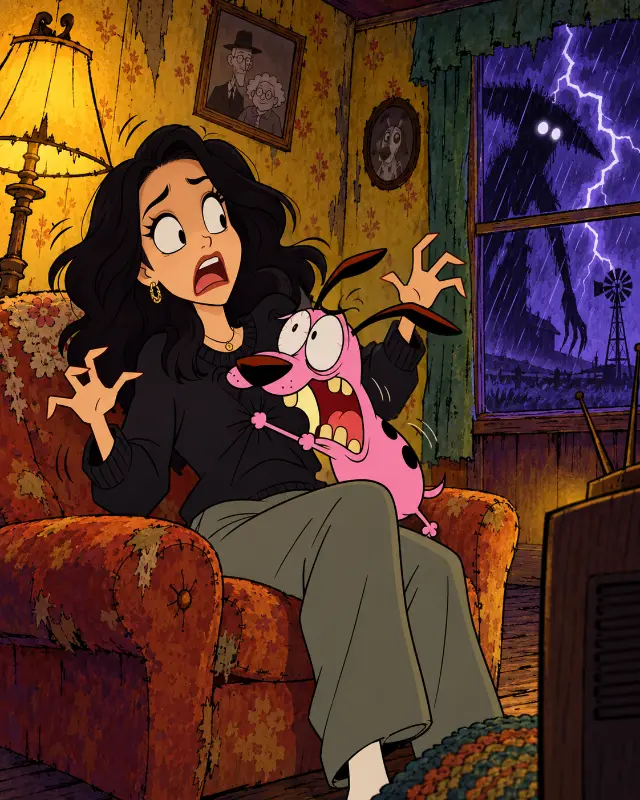 Horrors, woman, dog
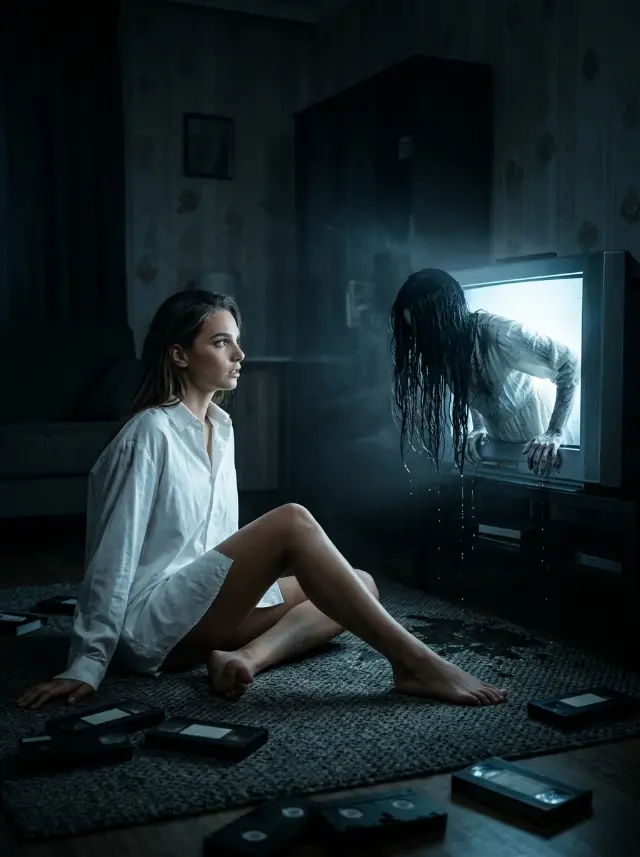 Horrors, cinema, portrait
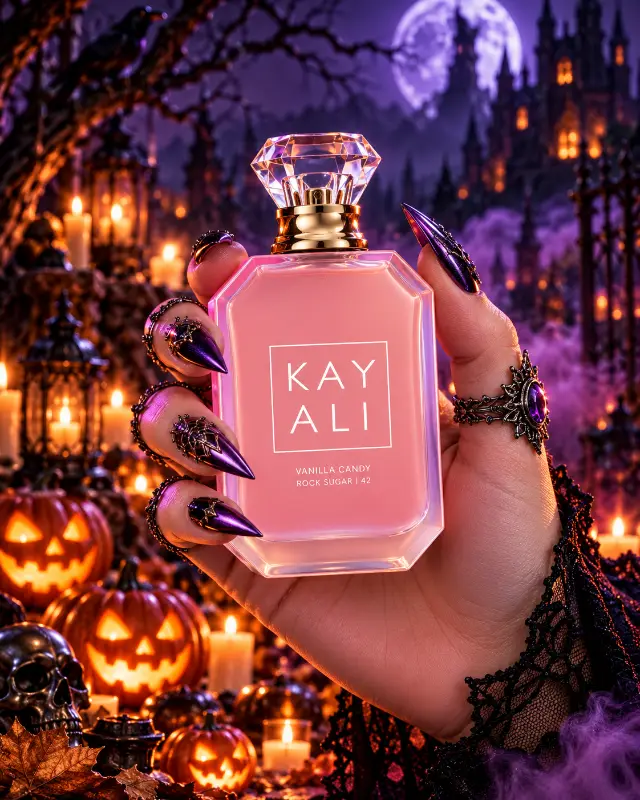 Advertising, product, photo
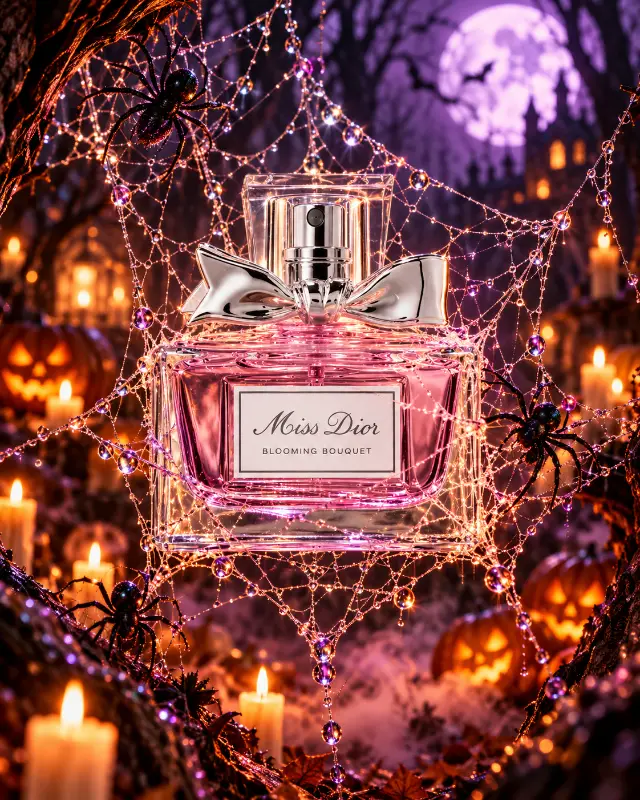 Advertising, product, macro
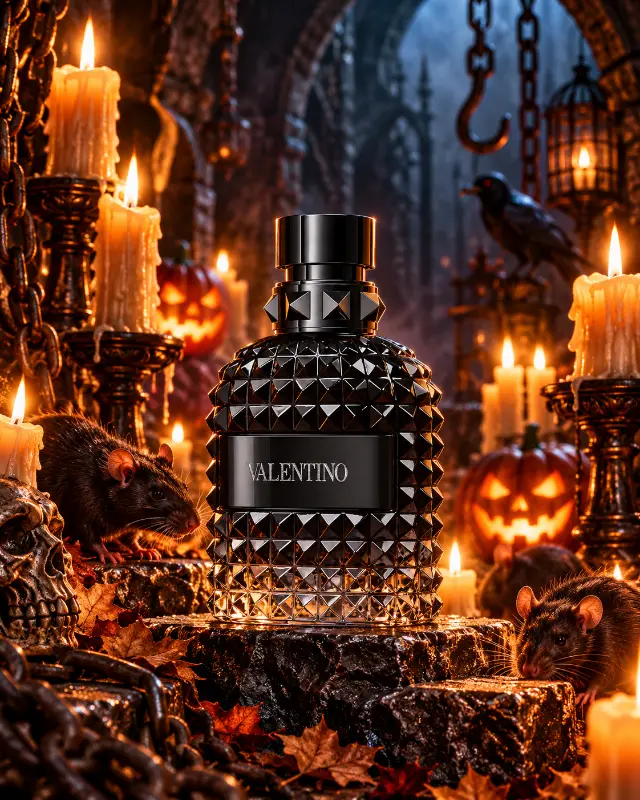 Product, advertising, macro
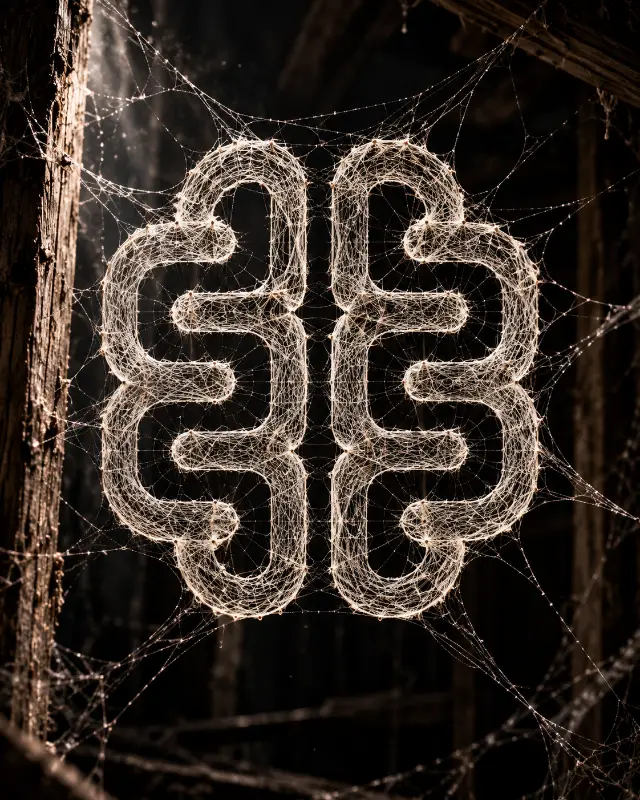 Macro, photo, logo
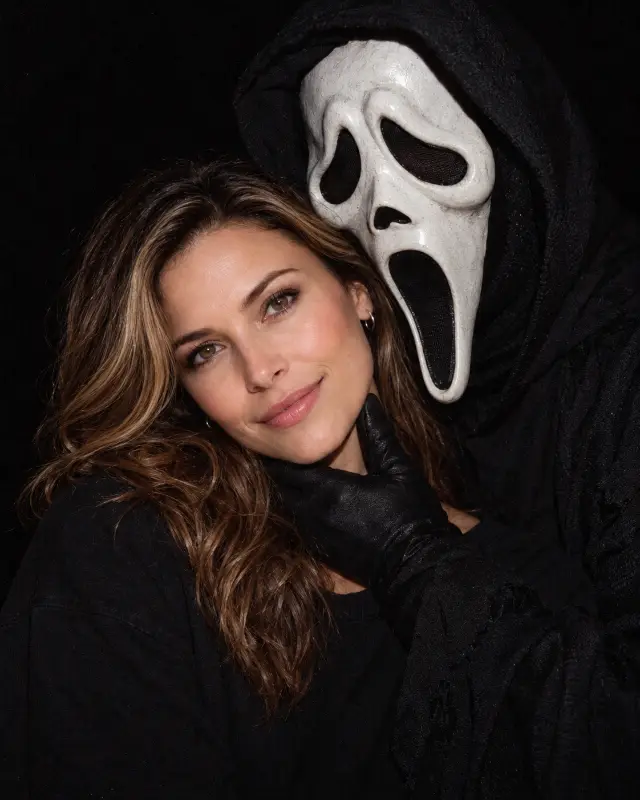 Horrors, portrait, photo
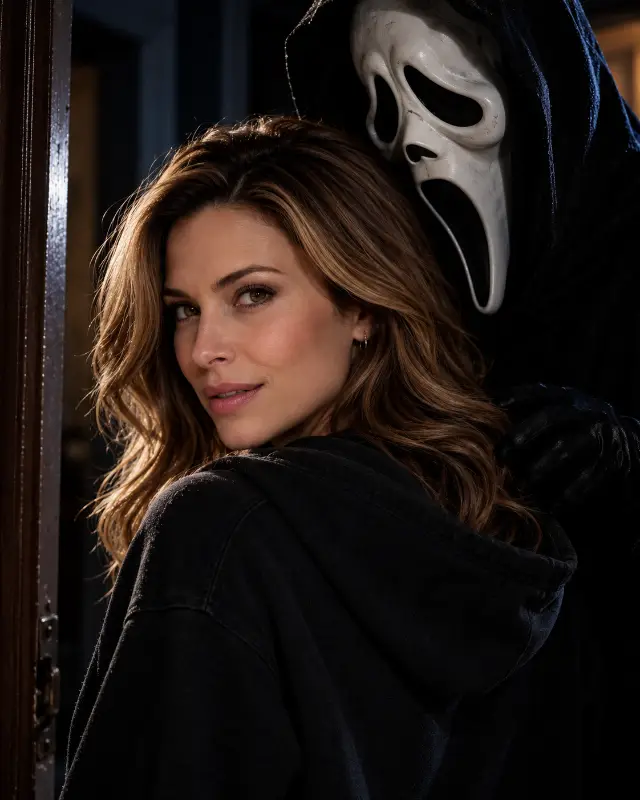 Horrors, portrait, cinema
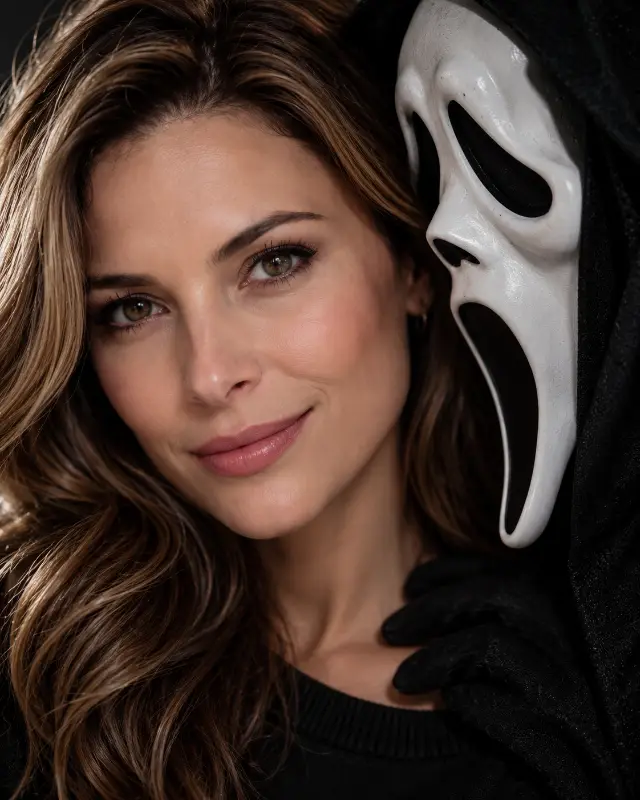 Horrors, portrait, close-up
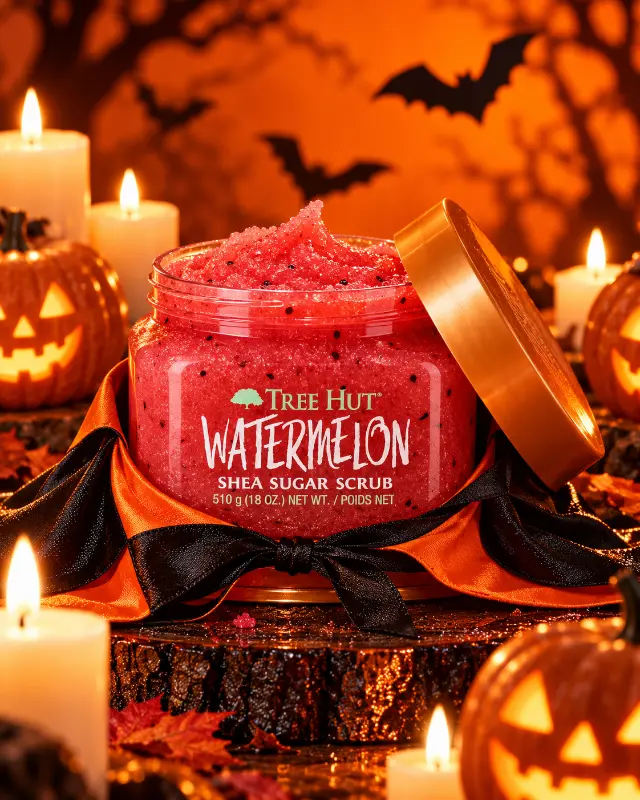 Product, advertising, photo
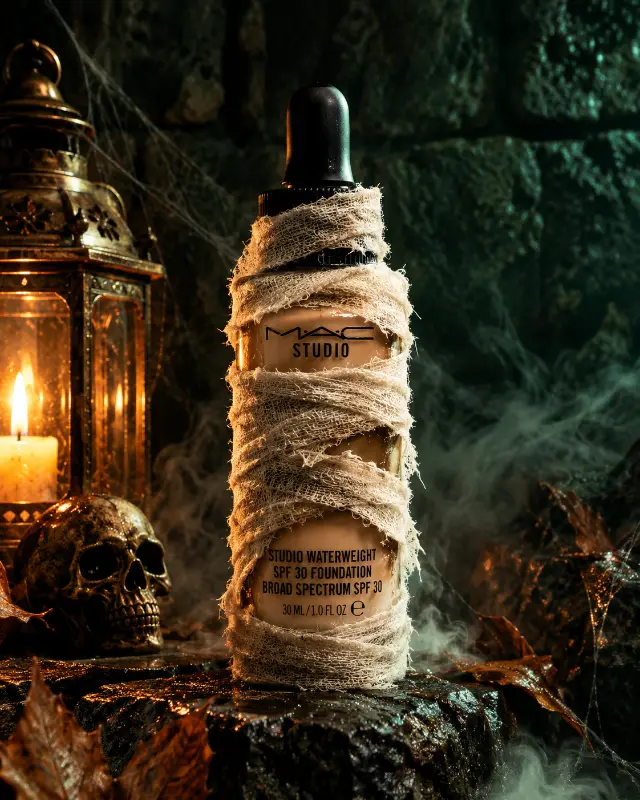 Product, advertising, macro
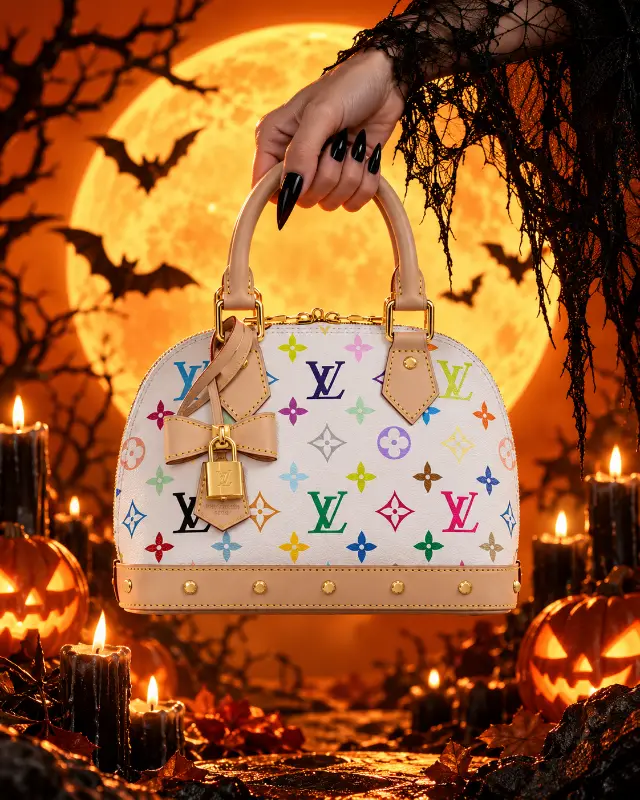 Product, advertising, fashion
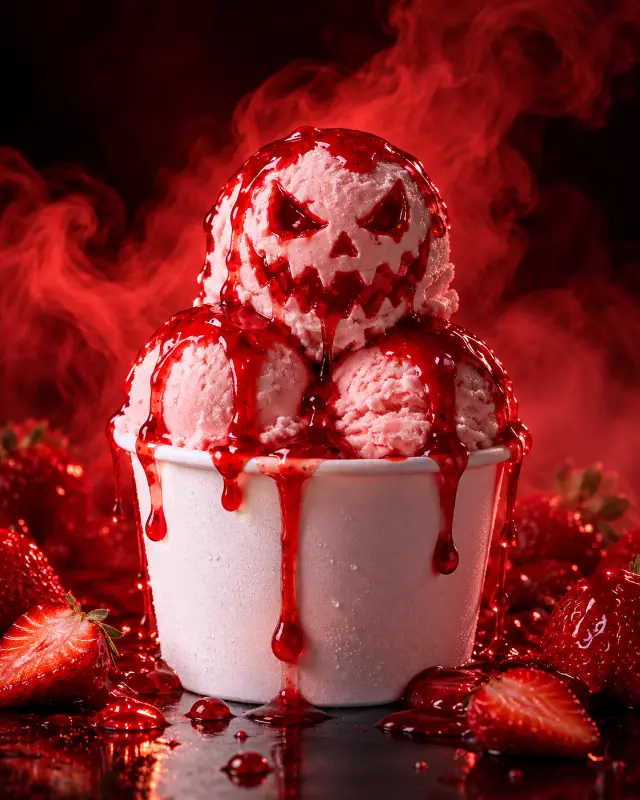 Food, macro, advertising
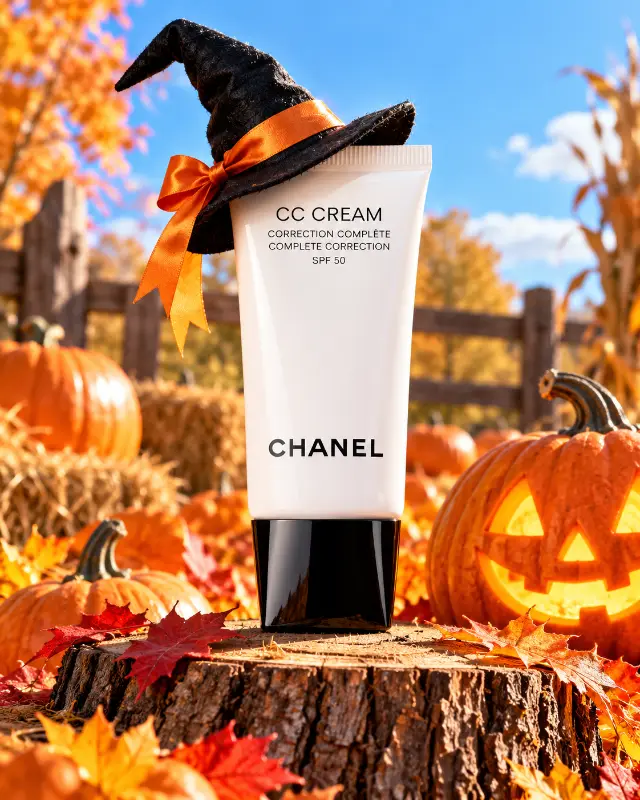 Advertising, product, photo
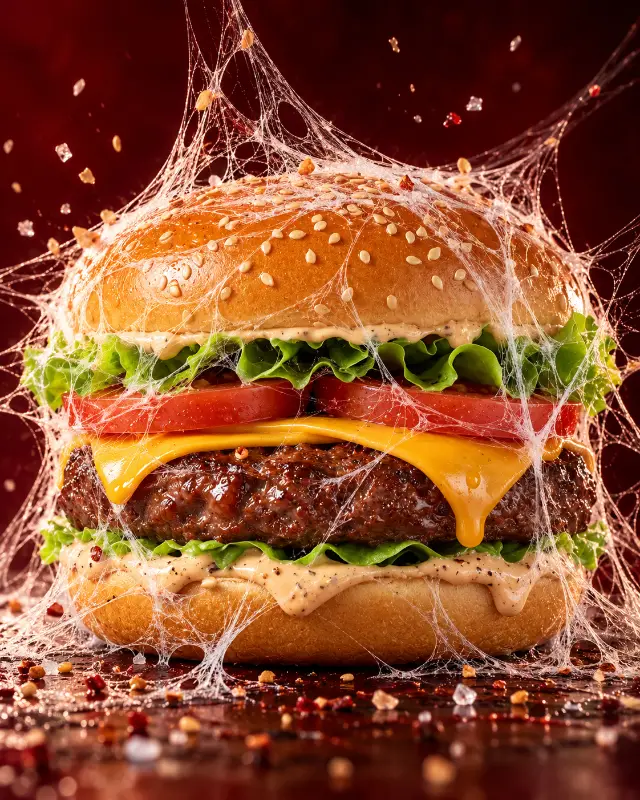 Food, macro, product
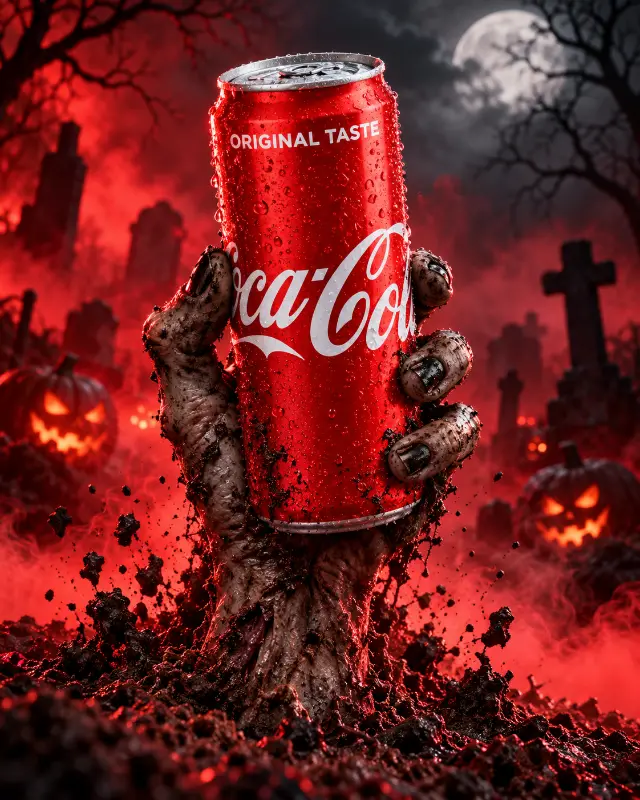 Advertising, product, horrors
What is in the collection
Only prompts with a clear Halloween theme: pumpkins, witches, vampires, skeletons, fog, candles and night streets. Every card shows the picture or clip it produced and the model.
- Portraits and selfies — horror photo shoots, makeup, avatar looks.
- Costumes and characters — witches, vampires, ghosts and monsters in film, anime and comic styles.
- Posters and cards — party flyers, greetings, covers.
- Interiors and decor — rooms, tables, shop windows.
- Video — short scenes for Reels and Stories in Seedance and Grok Imagine.
How to use it
- Open a card you like.
- Press «Copy» — the whole prompt goes to your clipboard.
- Paste it into the model named on the card: that gets you closest to the example.
- Change the details: the character, outfit, place, time of day. Keep the structure and the lighting.
For a photo of yourself, attach your picture as a reference in Nano Banana or GPT Image and start with: «Use the face from the photo, keep the features».
A short template
To write your own prompt, start from this frame and replace the parts in brackets:
[who is in the frame], [costume or makeup], [place: old house, graveyard, pumpkin field], night, fog, warm candlelight and a cold moon, [camera angle], cinematic still, 35mm, light grain
Which models work best
- GPT Image 2.0 and GPT Image 2.5 — follow long descriptions closely and render text on posters.
- Nano Banana Pro and Nano Banana 2.1 — best at editing your own photo: costume, makeup, background.
- Seedance 2.0, Seedance 2.5 and Grok Imagine Video — video with sound from text or from an image.
You can build a video prompt step by step in the video prompt builder.
Frequently asked questions
Are the prompts free?
Yes. Opening and copying prompts on mozgi.io is free and needs no sign-up. You only pay the AI model itself if it is a paid one.
Can I make a Halloween photo with my own face?
Yes. Upload your photo to Nano Banana or GPT Image together with the prompt and ask it to keep your facial features. A clear daylight portrait works best.
How do I make a Halloween video?
Take a video prompt from the collection and paste it into Seedance or Grok Imagine. You can also make an image first and then animate it: video models accept a picture as the first frame.
When is Halloween?
Halloween is on October 31. The collection stays open all year, so you can use the prompts for a party or a shoot at any time.