mozgi
Seedance 2.0
影片製作技巧:建立關鍵幀、製作五秒短片段,並用過場鏡頭串接
提示詞
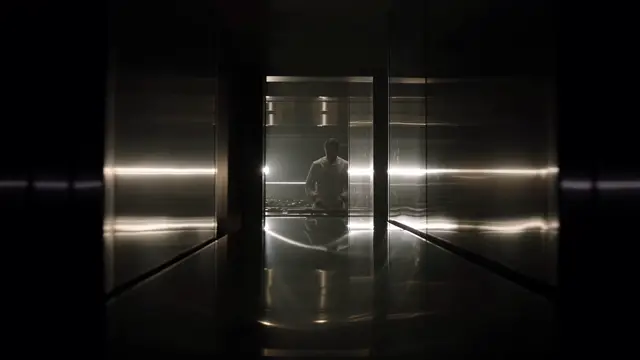
「一個正在走路的人。」

提示詞:
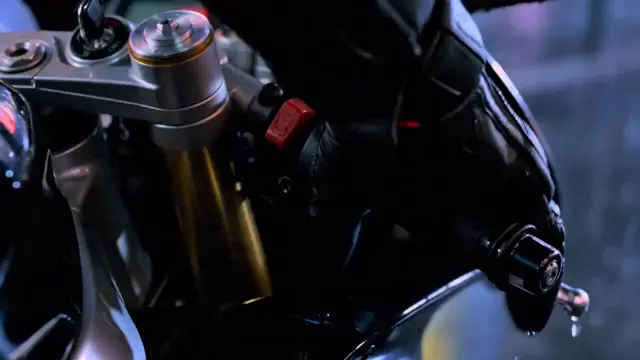
「低角度跟拍,35mm 鏡頭,電影感光線,淺景深。」

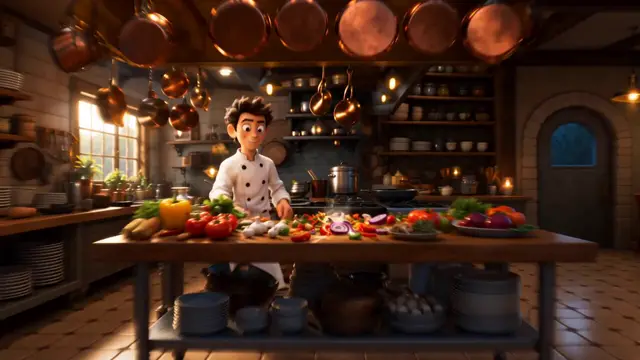
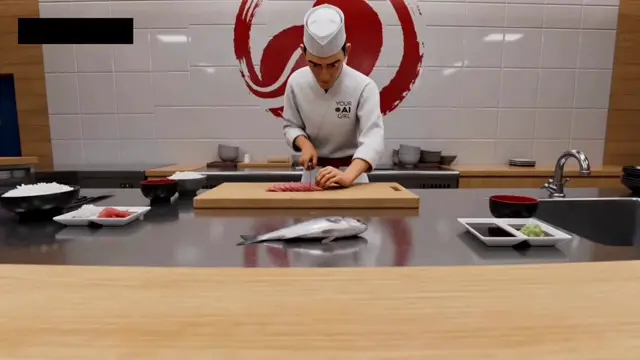
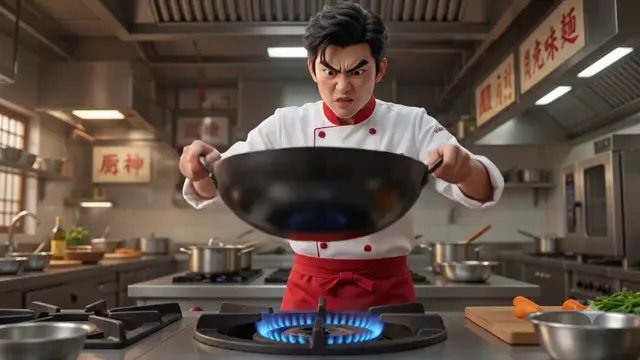
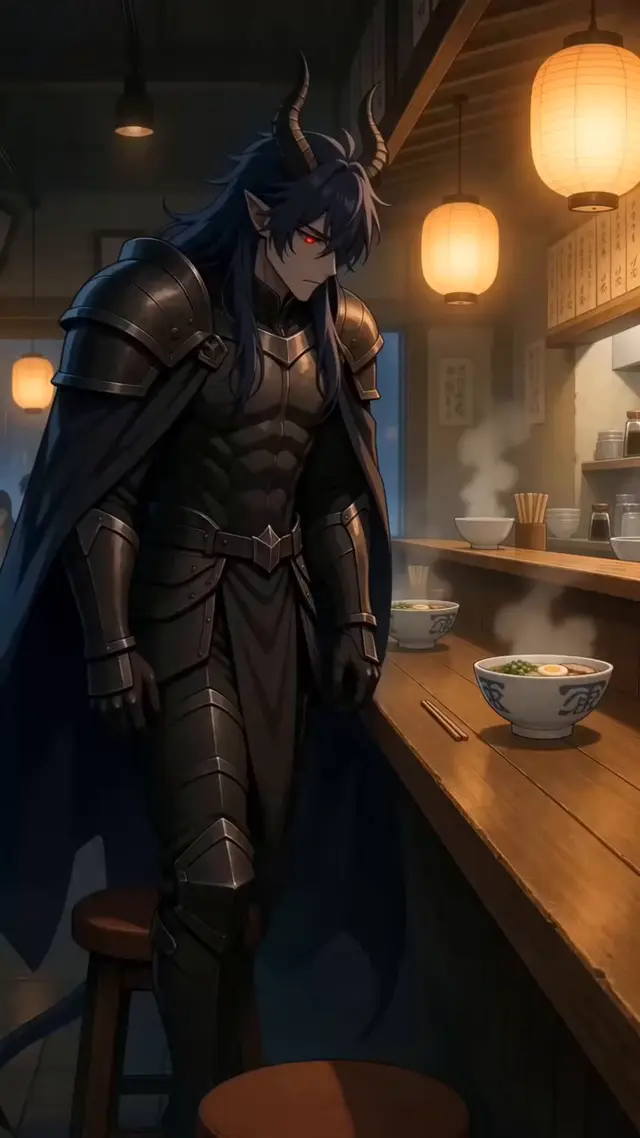
4. 開啟 Seedance 之前,先建立所有關鍵影格。
你在 ChatGPT Image 2 中建立的視覺參考越多,動畫就會越一致。

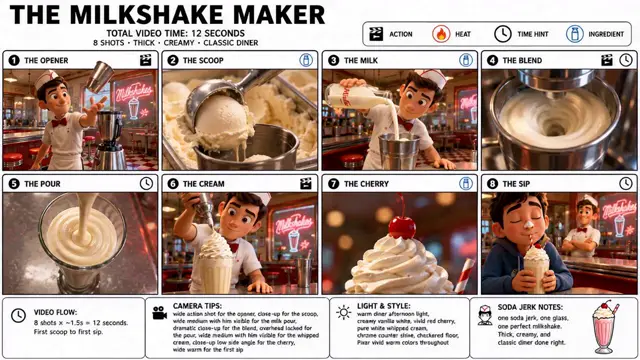
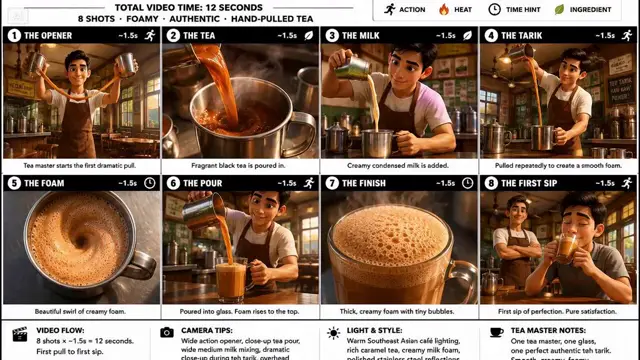
5. 製作短片段。
不要製作一個很長的場景,而是建立:
• 5 秒鏡頭
• 5 秒鏡頭
• 5 秒鏡頭

接著將它們剪接在一起。
這樣你就能更好地掌控節奏和故事發展。

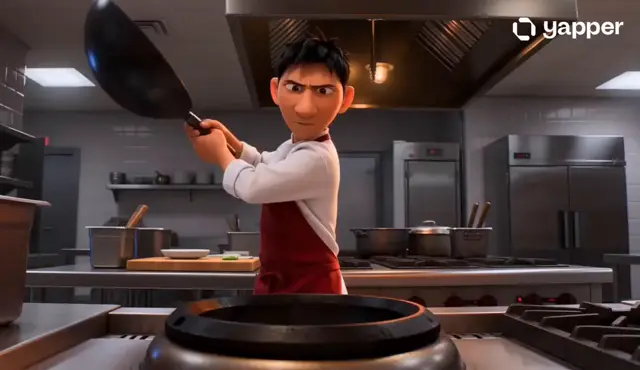
6. 使用轉場鏡頭。

讓剪輯銜接流暢的祕訣:
在主要動作之間生成銜接場景。
當視覺連貫性已經建立時,Seedance 能更好地處理轉場。

7. 最後再加入聲音。
大多數人都低估了音訊的重要性。
簡單結合:
• 環境音
• 音效
• 背景音樂

就能讓 AI 影片的電影感提升 10 倍。
創作者最常犯的錯誤,就是以為 AI 影片製作只是寫提示詞。事實並非如此。

AI 影片製作是一種製作設計。ChatGPT Image 2 建立角色宇宙。Seedance 2.0 則將它化為一部電影。

 📥明天我會展示一件事,事後看來明明如此顯而易見,讓你不禁納悶為什麼沒有人早點說出來。
 🔖下方的置頂文章涵蓋每個步驟——先收藏起來,留待下次使用。
"A person walking."

Prompt:
"Low-angle tracking shot, 35mm lens, cinematic lighting, shallow depth of field."

4. Build every keyframe before opening Seedance.
The more visual references you create in ChatGPT Image 2, the more consistent your animations become.

5. Animate short clips.
Instead of creating one long scene:
Create:
• 5-second shot
• 5-second shot
• 5-second shot

Then stitch them together.
This gives you more control over pacing and story flow.

6. Use transition shots.

The secret to seamless edits:
Generate bridge scenes between major actions.
Seedance handles transitions much better when visual continuity already exists.

7. Add sound last.
Most people underestimate audio.
A simple combination of:
• Ambient sounds
• Sound effects
• Background music

Can make an AI video feel 10x more cinematic.
The biggest mistake creators make is thinking AI video is prompting. It's not.

AI video is production design. ChatGPT Image 2 creates the character universe. Seedance 2.0 turns it into a movie.

 📥Tomorrow I will show something so obvious in hindsight that you will wonder why nobody said it sooner.
 🔖The pinned article below covers every step — bookmark it for your next session.
此提示詞的權利屬於作者 @ZentrixHQ。任何商業使用(推廣 AI 工具、聚合平台、Telegram 機器人)由你自行負責,mozgi.io 不承擔任何責任。 詳情 →